Where Does My Car Data Go? Self-Hosting TeslaMate on NAS with Docker & Grafana
Instead of trusting third-party cloud apps with Tesla credentials and live locations, here is how I reclaimed my data sovereignty by self-hosting Elixir-based TeslaMate on my home NAS with 8,700km of real-world telemetry.
Related Articles

Decoding 3,200 km of Tesla Telemetry: Temperature vs Efficiency, AC/DC Charging Losses, and the Truth About Vampire Drain
A deep dive into 3,252 km of real-world driving, 600 kWh of charging, and 750+ hours of parking telemetry collected via self-hosted TeslaMate on a private home NAS. Featuring an exact 158.8 km controlled experiment on cold weather efficiency penalty, AC vs DC charging losses, Sentry Mode phantom drain, and 9,600 km LFP battery health.

The Code Succeeded, the Project Failed: A Retrospective on Automating My Wife's E-Commerce Shipping with FastMCP
How a hobbyist maker built a zero-click shipping label pipeline using a home NAS, FastMCP, driverless IPP printing, and 0.1mm ReportLab coordinates—only to be defeated by legacy Windows agents and unit economics.
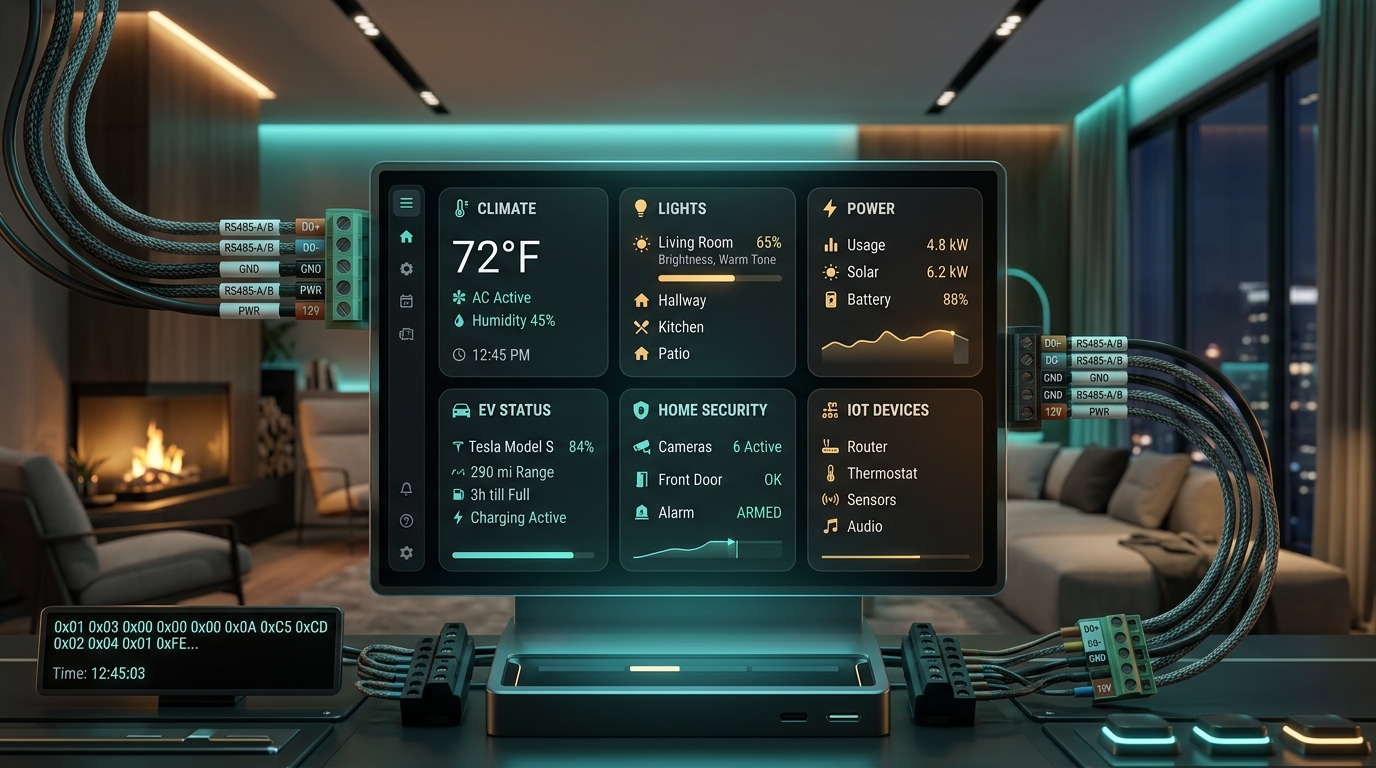
Reverse Engineering RS485 Wallpad to Bento UI: How AI Powered My Home Assistant Overhaul
From sniffing raw RS485 serial frames to permanently curing the cold-reboot USB port mismatch bug and crafting a modern Bento Grid dashboard with AI pair programming.
© 2026 HEISENBUG. All rights reserved. Unauthorized reproduction or redistribution is strictly prohibited.
This article reflects personal experiences and opinions as of the date of publication.
Table of Contents
- A Computer on Wheels: Endless Telemetry Streams
- 1. Why TeslaMate Among All Open-Source Loggers?
- 2. Practical Deployment on Home NAS with Docker Compose
- Step 1. Drafting docker-compose.yml
- Step 2. Firing Up the Stack
- 3. Essential Operational & Security Checklist
- 1) Secure Tesla Token Generation & Storage
- 2) Never Port-Forward Ports to the Public Internet
- 3) Respecting Vehicle Sleep to Eliminate Vampire Drain
- 4. Peeking at Real-World Telemetry: 8,700km on Model Y
- 1) Drives Dashboard (Wh/km & Elevation Correlation)
- 2) Charges Dashboard (Tapering Curves & Efficiency Loss)
- 3) Battery Health (Degradation Tracking)
- 5. Epilogue: The Joy of Debugging Everyday Life
Comments